Adding notes/reminders to a contact: note
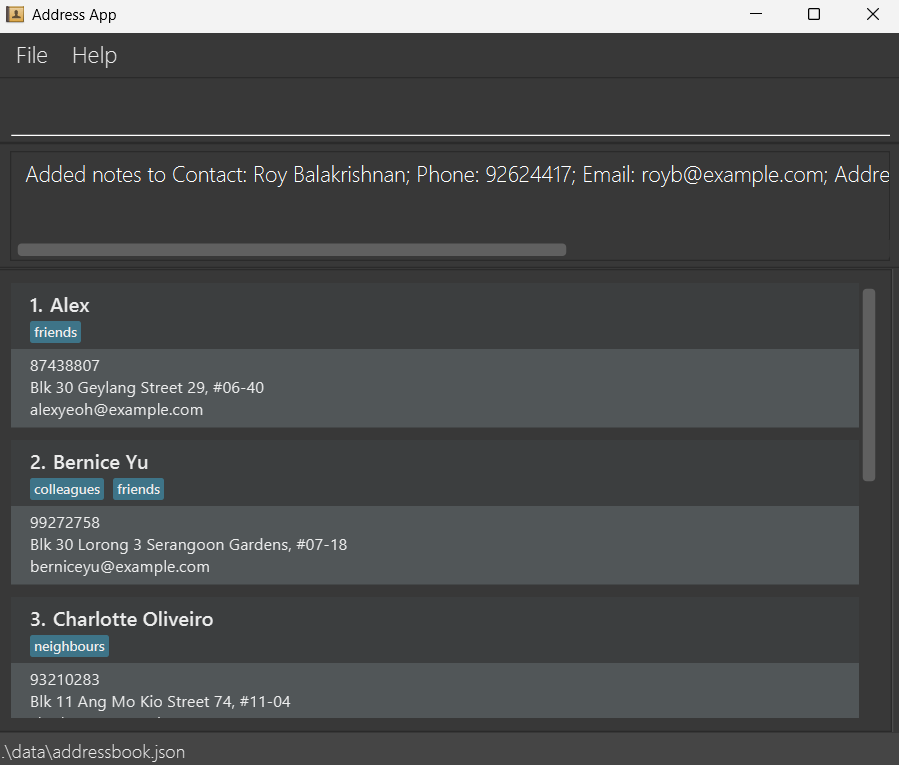
Manages notes and reminders for an existing contact in the contact list.
Add a note:
Format: note INDEX NOTE [on/TIME]
- Appends
NOTEto the contact at the specifiedINDEX. The index must be a positive integer 1, 2, 3, … - New notes are stacked underneath existing ones.
TIMEcan accept most conventional date/time formats and may omit the year. If unable to parse as a date, it will be saved as a plain string.- Filling the
on/TIMEfield turns the note into a reminder. The system will warn of reminders due within 1 week. - Notes support contact references using the
@INDEXsyntax. When you include@INDEXin a note, it creates a link to the contact at that index. The reference is displayed as the contact's name in bold and underlined text. - If a referenced contact's name changes, the displayed name updates automatically.
- If a referenced contact is deleted, the reference is replaced with the contact's name as plain text.
Examples:
note 1 Likes to swim.note 2 Follow up call on/15 Aprnote 1 Worked with @2— creates a reference to the 2nd contact in the note.
Edit a specific note:
Format: note INDEX el/NOTE_INDEX NEW_NOTE [on/TIME]
- Replaces the note at position
NOTE_INDEXof the contact at the specifiedINDEXwithNEW_NOTE. NOTE_INDEXrefers to the position of the note as displayed (starting from 1).- Optionally include
on/TIMEto set or update the reminder for the edited note.
Examples:
note 1 el/1 Updated note text.replaces the 1st note of the 1st contact.note 2 el/3 Follow up call on/15 Aprreplaces the 3rd note for the 2nd contact and sets a reminder.
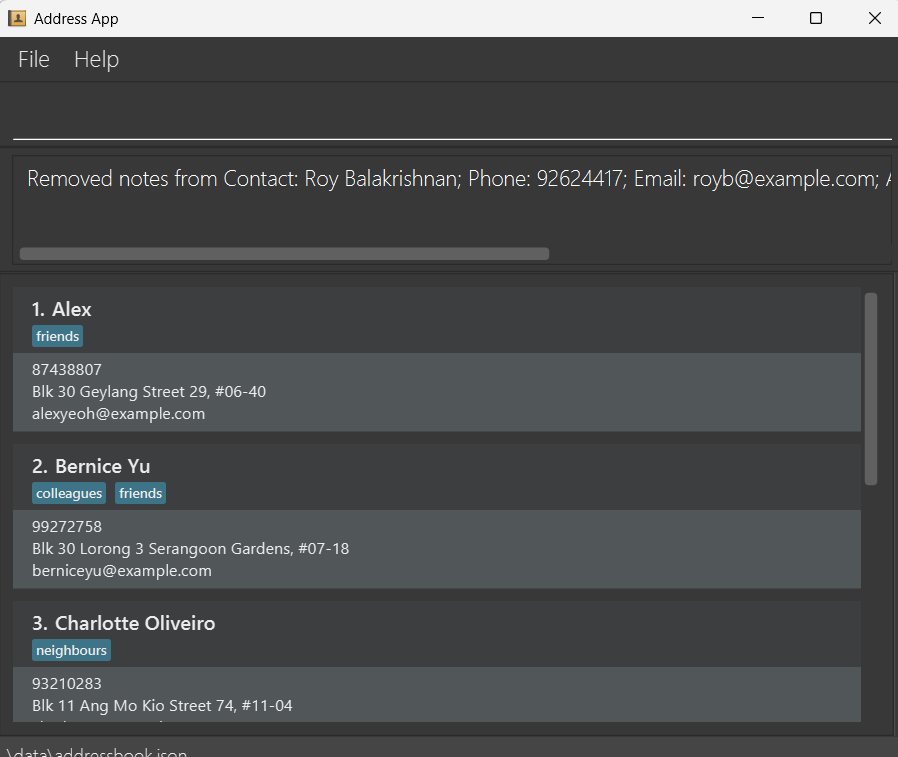
Remove a specific note:
Format: note INDEX cl/NOTE_INDEX
- Removes the note at position
NOTE_INDEXfrom the contact at the specifiedINDEX. NOTE_INDEXrefers to the position of the note as displayed (starting from 1).
Example:
note 1 cl/2removes the 2nd note from the 1st contact.
Remove the first N notes:
Format: note INDEX c/LINES_TO_REMOVE
- Removes the first
LINES_TO_REMOVEnotes from the contact at the specifiedINDEX. LINES_TO_REMOVEmust be a non-negative integer.- If
LINES_TO_REMOVEexceeds the number of existing notes, all notes are removed.
Examples:
note 1 c/1removes the first note from the 1st contact.note 2 c/3removes the first 3 notes from the 2nd contact.
Clear all notes:
Format: note INDEX ca/
- Removes all notes from the contact at the specified
INDEX.
Example:
note 1 ca/